Do surveillance trailers need internet?
August 13, 2026 · updated August 29, 2026 · SiteFortress360
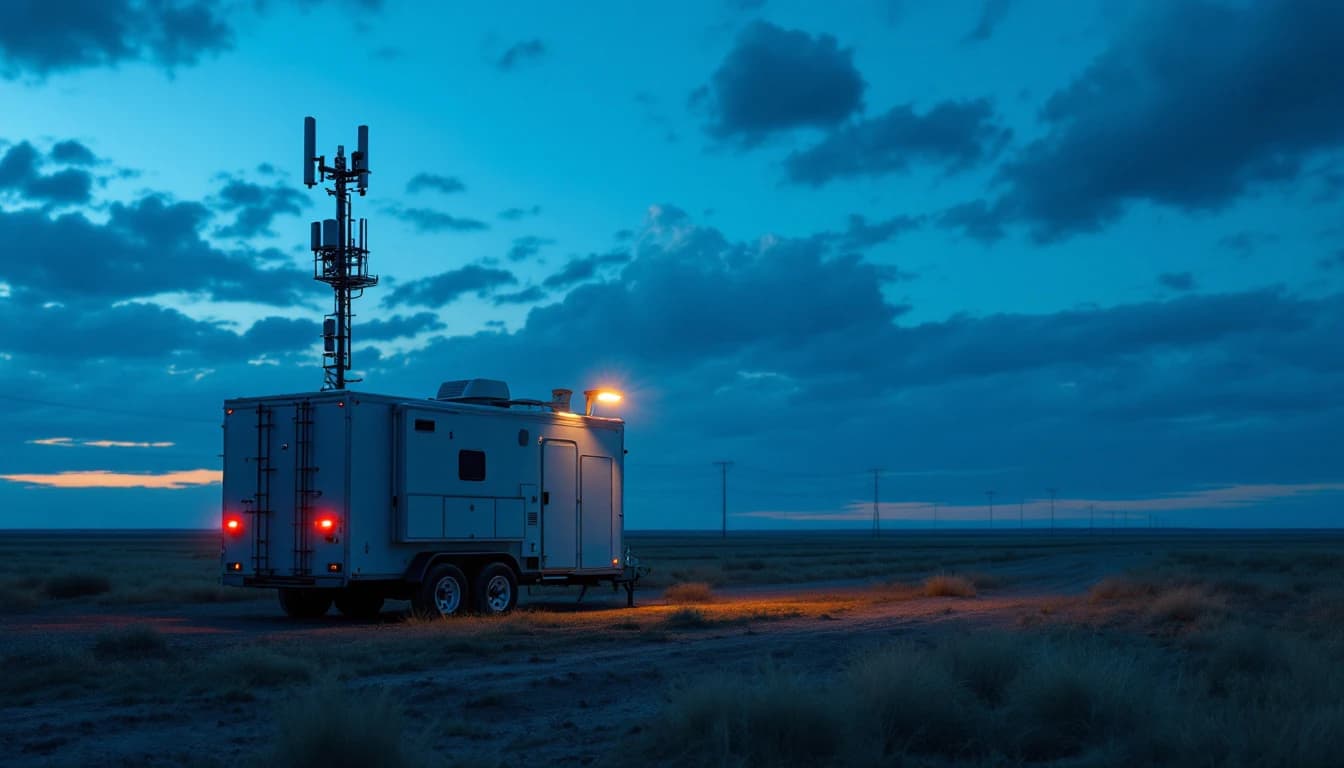
Direct answer: No — a properly built surveillance trailer brings its own connectivity. SiteFortress360 units include LTE as standard and offer Starlink as an upgrade; your site needs no Wi-Fi, no fiber, and no IT involvement. Recording is local to the unit, so even a total connectivity outage never stops evidence capture.
What connectivity is actually for
It helps to separate the security function from the delivery function. Detection (AI classifying people and vehicles) and recording (footage to local SSD) run entirely on the unit — they would work in a cellular dead zone. Connectivity exists to deliver: real-time alerts to your phone, live view on demand, clip sync, and remote management of the unit itself.
That architecture is the opposite of cloud-camera products, where analysis happens in a data center and an internet outage means the system is effectively blind. On an edge-first unit, an outage degrades convenience (you can’t open live view) without degrading protection (events are still detected, recorded, and deterred on site).
LTE first
Cellular LTE covers the overwhelming majority of DFW-area sites and is included in the monthly rate — no separate data plan, no SIM management. During the site survey we check expected signal at your address; metal buildings and deep-industrial pockets occasionally need an external antenna position or the satellite option.
Starlink for the hard cases
For rural laydown yards, far-edge industrial land, or projects that want redundancy or a bigger pipe for live view, Starlink adds satellite connectivity at +$100/month. It needs a clear view of the sky and, like any network, isn’t guaranteed — which is exactly why the local-first design matters. Belt, suspenders, and evidence that never depended on either.
The IT department conversation you get to skip
On commercial deployments the practical blocker for camera projects is rarely hardware — it is network access. Getting a vendor device onto a corporate network means security review, VLAN provisioning, firewall changes and a queue behind every other IT ticket. A self-connected unit removes the entire conversation: nothing touches the site network, nothing needs credentials, and the security function is running the day the trailer arrives rather than the week the ticket clears. For property managers juggling multiple stakeholders, that independence is frequently the feature that gets the project approved at all.
The same independence pays off at demobilization: nothing to decommission on the site network, no credentials to revoke, no firewall rules left behind for the next audit to find. The unit leaves as cleanly as it arrived, which facilities and IT teams notice and remember the next time a project needs coverage in a hurry. For multi-site operators that repeatability compounds: the second deployment is a phone call, not a security review, because nothing about it ever touched anyone’s network in the first place.
Frequently asked questions
Can the unit be managed remotely, or does every change need a site visit?
Fully remotely. Detection zones, schedules, alert routing and escalation settings are all managed over the unit’s own connectivity, so a change like ‘arm the laydown zone an hour earlier now that the crew leaves at four’ happens the same afternoon you ask for it, with no truck rolled. Site visits are for physical work — repositioning the trailer as the site changes shape, or hardware service the telemetry has flagged — and both of those are part of the service rather than billable extras.
Does the included LTE have data caps that limit recording or alerts?
No — and the architecture is why. Because footage records locally on the unit rather than streaming to a cloud recorder, the connection only carries alerts, snapshots, on-demand live view and management traffic, which is a small fraction of what cloud-camera systems consume. Connectivity is included in the monthly rate with no separate data plan and no metering surprises, and heavy live-view users on remote sites can add Starlink for a bigger pipe rather than rationing what they have.
Does a surveillance trailer need Wi-Fi or site internet?
No. LTE cellular is built into the unit and included in the monthly rate, with Starlink satellite as a +$100/month upgrade for remote sites. Your site provides no Wi-Fi, no fiber, no network access and no IT involvement — and because recording and AI detection run locally on the unit, even a total connectivity outage never stops evidence capture or on-site deterrence.
What happens during a cellular outage?
The security function continues untouched: cameras record to local storage, edge AI keeps classifying people and vehicles, and sirens, strobes and talk-down still fire on detections. What pauses is remote convenience — live view and push alerts — which resumes automatically when the signal does, with event clips syncing out afterward. An outage degrades your window into the system, not the system itself.
What if my site has weak cellular signal?
The site survey checks expected signal at your address before deployment. Marginal locations often resolve with an external antenna position; genuinely poor ones — rural laydown yards, deep industrial pockets, metal-heavy surroundings — take the Starlink option, which needs only a clear view of the sky. Either way, the local-first design means signal quality affects alert delivery speed, never whether events are captured.
Is Starlink worth the extra $100 per month?
For three cases, clearly: remote sites where LTE is weak or absent, projects that want connectivity redundancy alongside LTE, and operations that lean heavily on live view and want the bigger pipe. For a typical DFW-metro site with healthy cellular coverage, included LTE is enough and the upgrade is unnecessary — which is exactly the kind of add-on decision the survey settles before you spend anything.
Can I watch the cameras live from my phone?
Yes — live view, event alerts with snapshots, and clip review all run through your phone over the unit’s own connectivity. Alerts arrive with the evidence attached, so a 2 AM notification takes two seconds to triage: you see the person or vehicle the AI classified, in the zone it entered, and decide whether it warrants action. No app VPNs, no port forwarding, no site network dependencies.